The explorer
Browsing tables, structure and records.
Tables sidebar
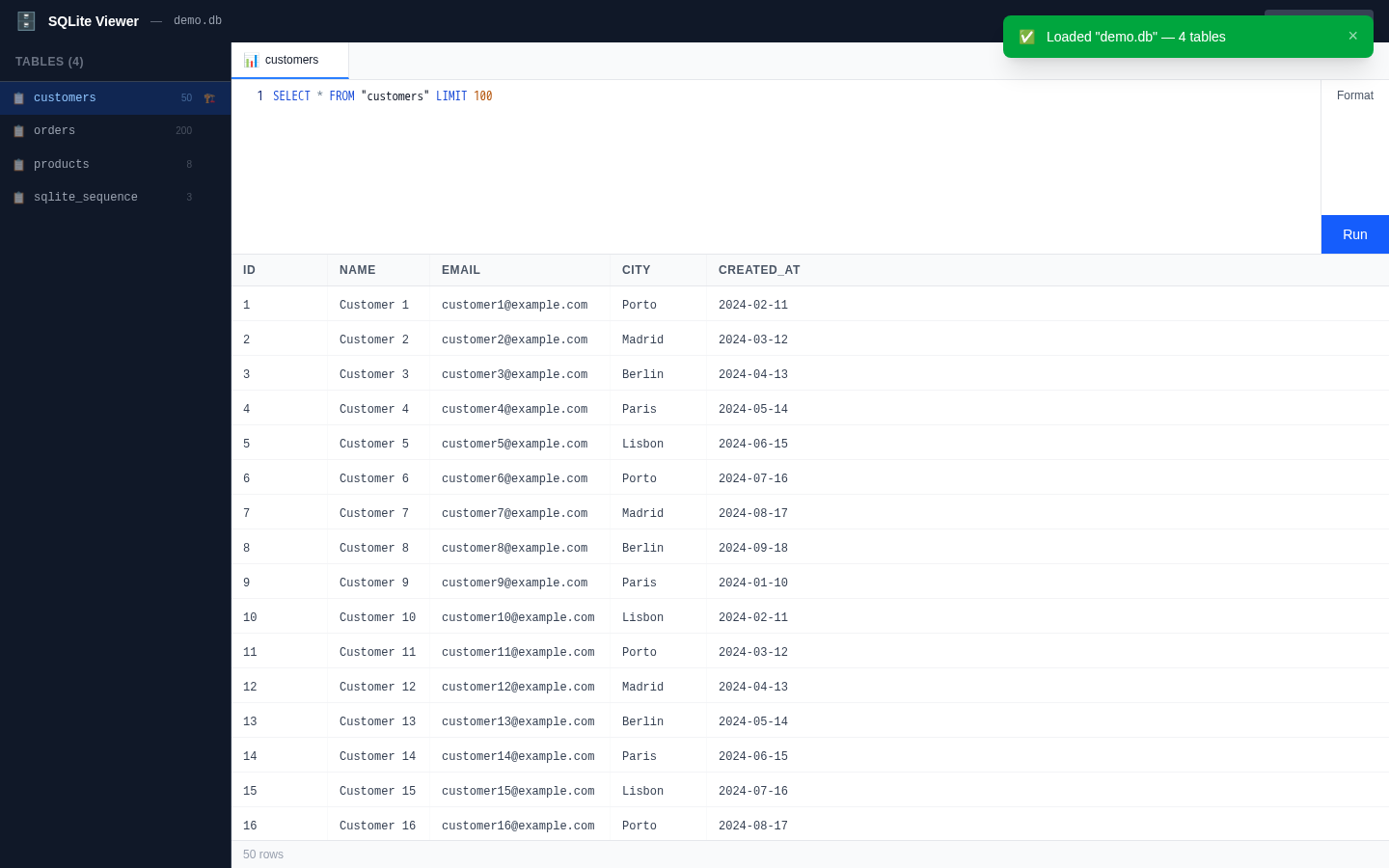
The left sidebar lists every table in the database with its row count. Clicking a table opens a Data tab that runs SELECT * FROM "table" LIMIT 100 by default.
Each table row also has a hover shortcut (the 🏗️ icon) that opens the table's Structure tab directly.
Projects & saved views
Projects group saved SQL views in the sidebar. Save the query from any SQL editor with Ctrl/⌘+S (or the Save button), name it, and reopen it later from the same project — the view runs again exactly as saved.
Continue reading
- Structure tab— Columns and indexes for any table.
- Record drawer— One record as a typed, read-only form.