SQL editor
Run, format and autocomplete SQL.
Run & format
Every Data tab has a full SQL editor at the top. It starts pre-filled with the default table query; edit it freely and press Run (or Ctrl+Enter) to execute against the open database. The grid below shows the result.
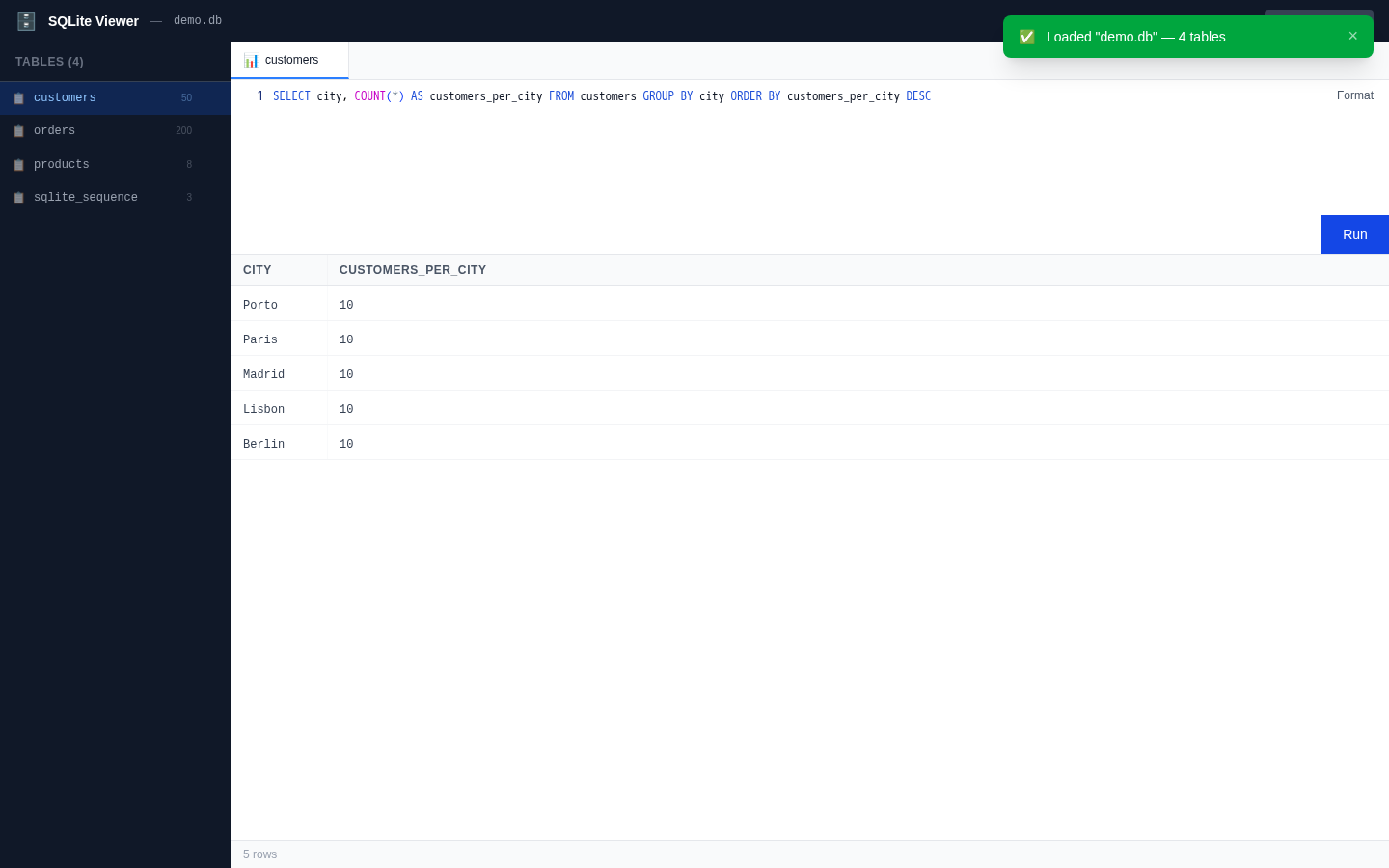
Formatting. The Format button (or Shift+Alt+F) rewrites your SQL with consistent uppercase keywords and indentation via sql-formatter's SQLite dialect. Formatting runs through the editor's normal edit stack, so Ctrl+Z undoes it. SQL that cannot be parsed shows a format error instead of touching the editor.
Schema-aware autocomplete
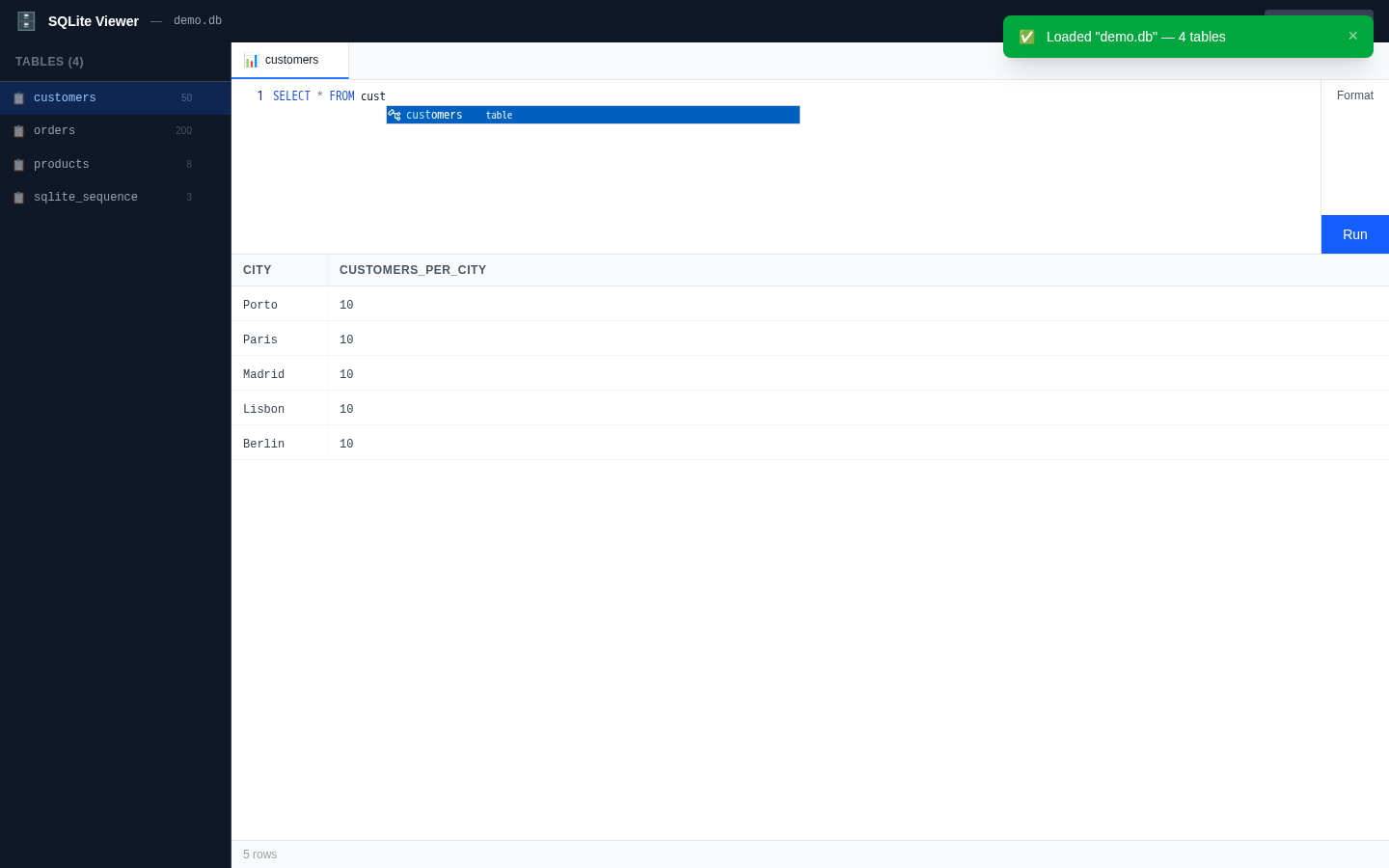
While typing, the editor suggests table names from the open database (ranked above generic SQL keywords); after a table. — quoted or unquoted — it suggests that table's columns with their types. The schema catalog is built in the background when a database opens — one PRAGMA table_info per table.
AI ghost text (local, optional)
The editor also offers Copilot-style ghost-text completions powered by Qwen2.5-Coder-1.5B running entirely in your browser via WebLLM — no server, no API key, and the model weights are downloaded from a dedicated CDN, not Hugging Face.
The AI preloads in the background as soon as the app opens; a small status pill in the header shows progress (loading …%) until the model is ready. Suggestions appear as gray ghost text and are accepted with Tab. The prompt includes your database's schema, so completions reference real tables and columns.
Nothing depends on it. If your browser has no WebGPU, the model fails to load, or you close the tab mid-download, the app behaves exactly the same — the pill simply disappears and autocomplete falls back to the schema-aware suggestions above. The model (~845 MB) is fetched once and cached by the browser; the fetch script is bun run model:fetch.