Getting started
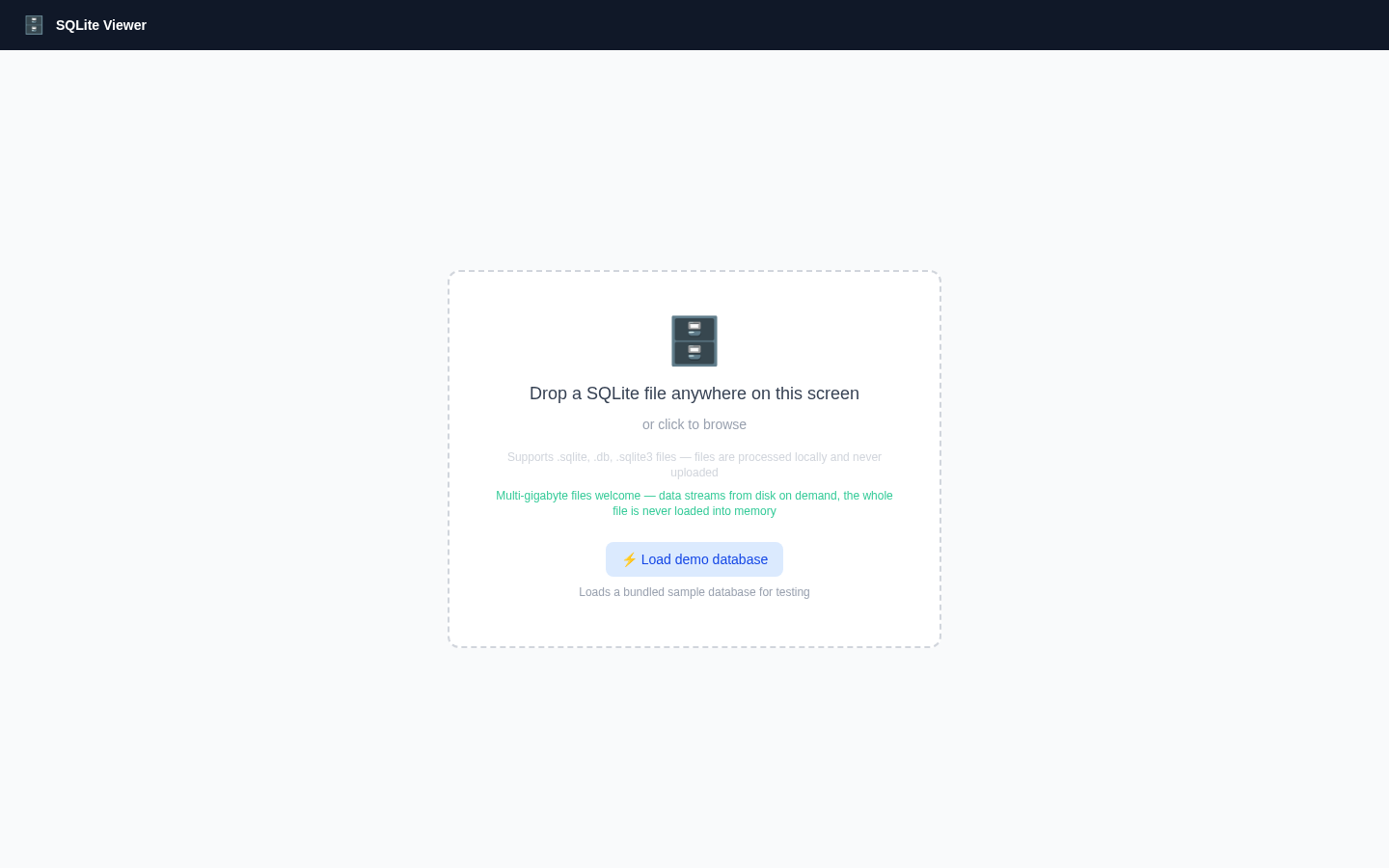
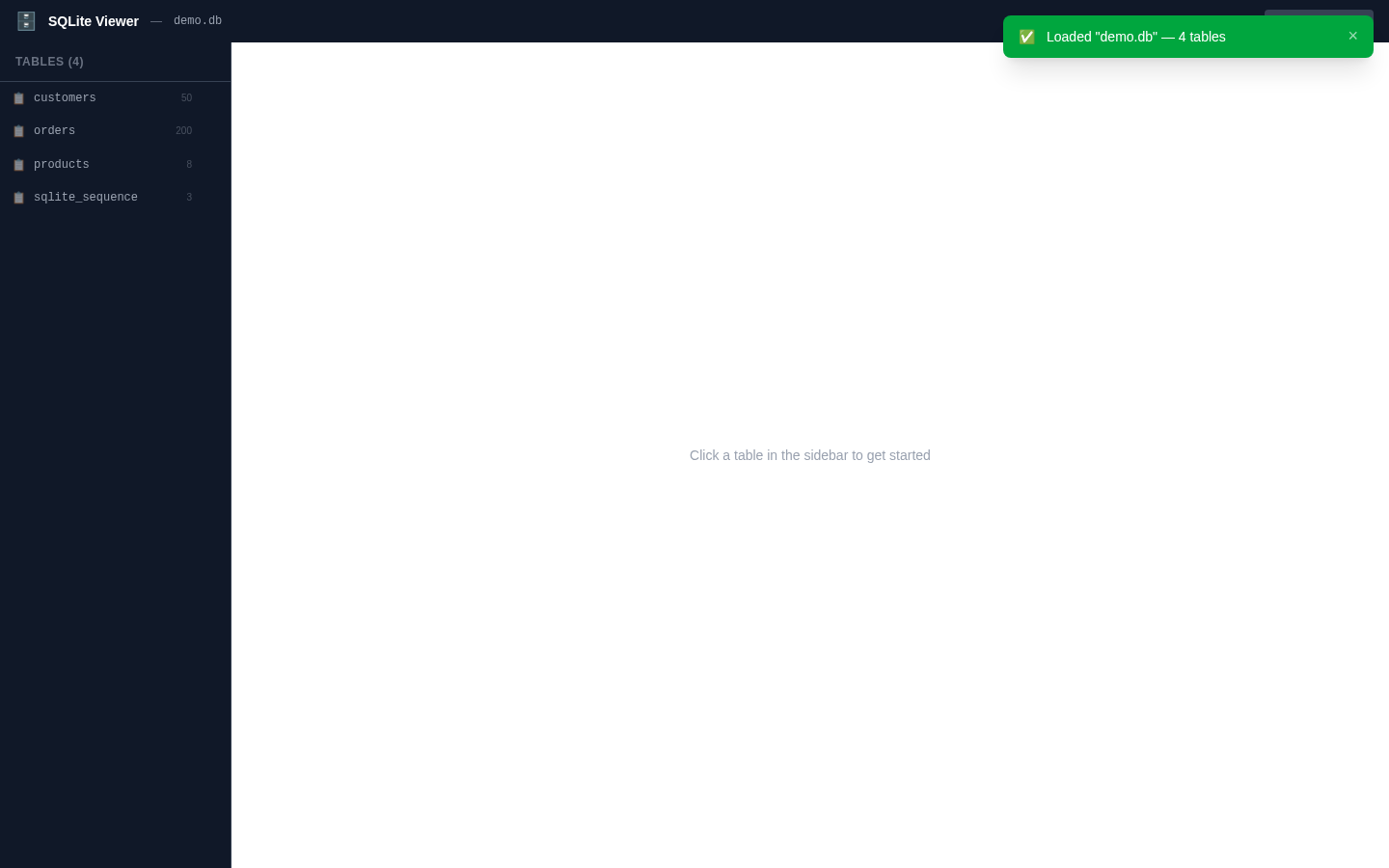
Open a database — drop a file or load the demo.
Open a database
Open the app and either drag a SQLite file anywhere onto the window or click the drop zone to browse for one (.sqlite, .db, .sqlite3, .db3). The file is validated by reading its 16-byte header before anything else happens — non-SQLite files are rejected immediately with a clear message.
No file handy? The Load demo database button opens a bundled sample database with customers, orders and products tables.
To start over with a different file, click Load another file in the header.
From the terminal
The same viewer is available as a CLI: sqlitexp mydata.db starts a local server and opens the database in your browser. See the CLI (sqlitexp) section for flags and internals.